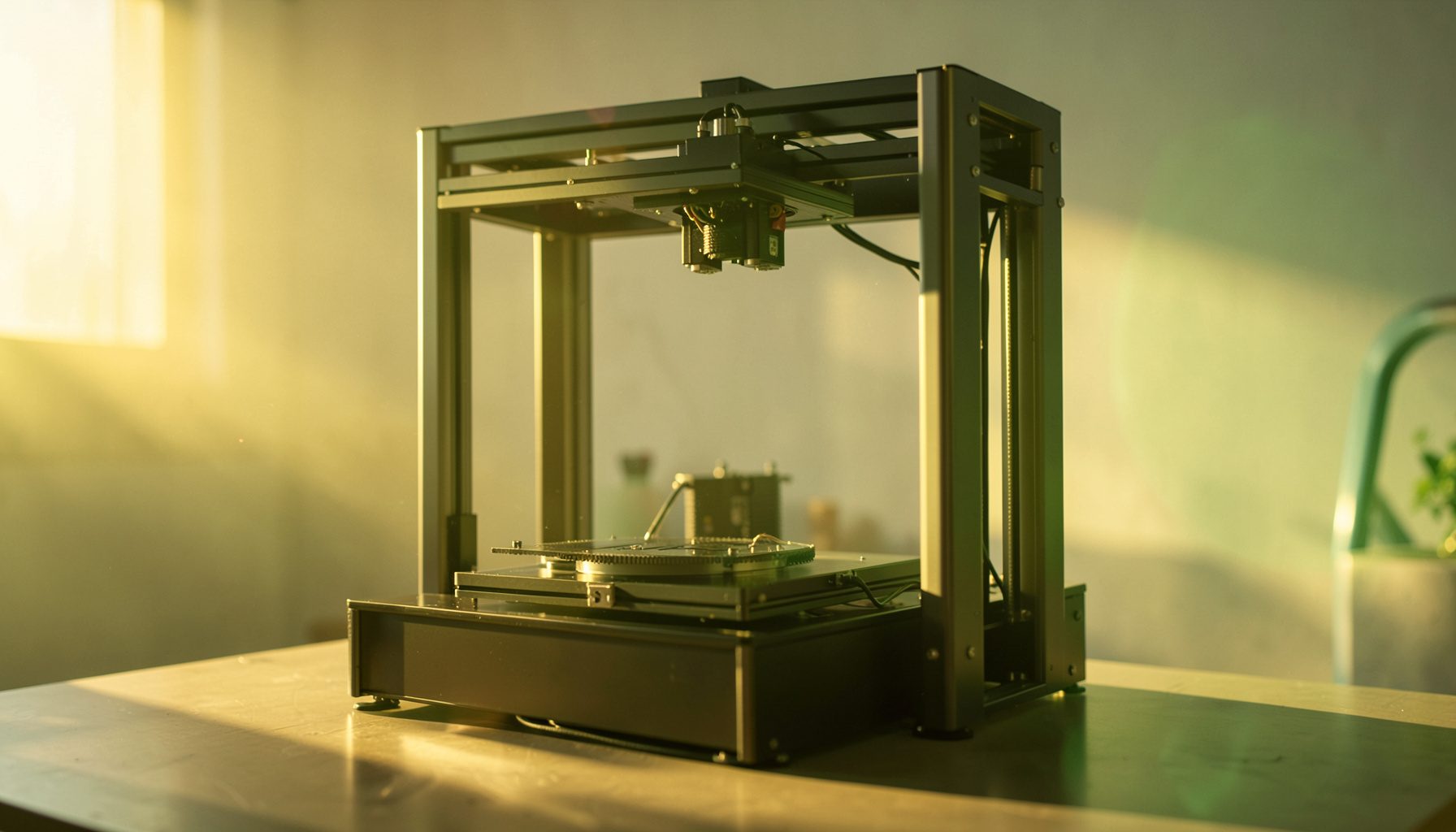
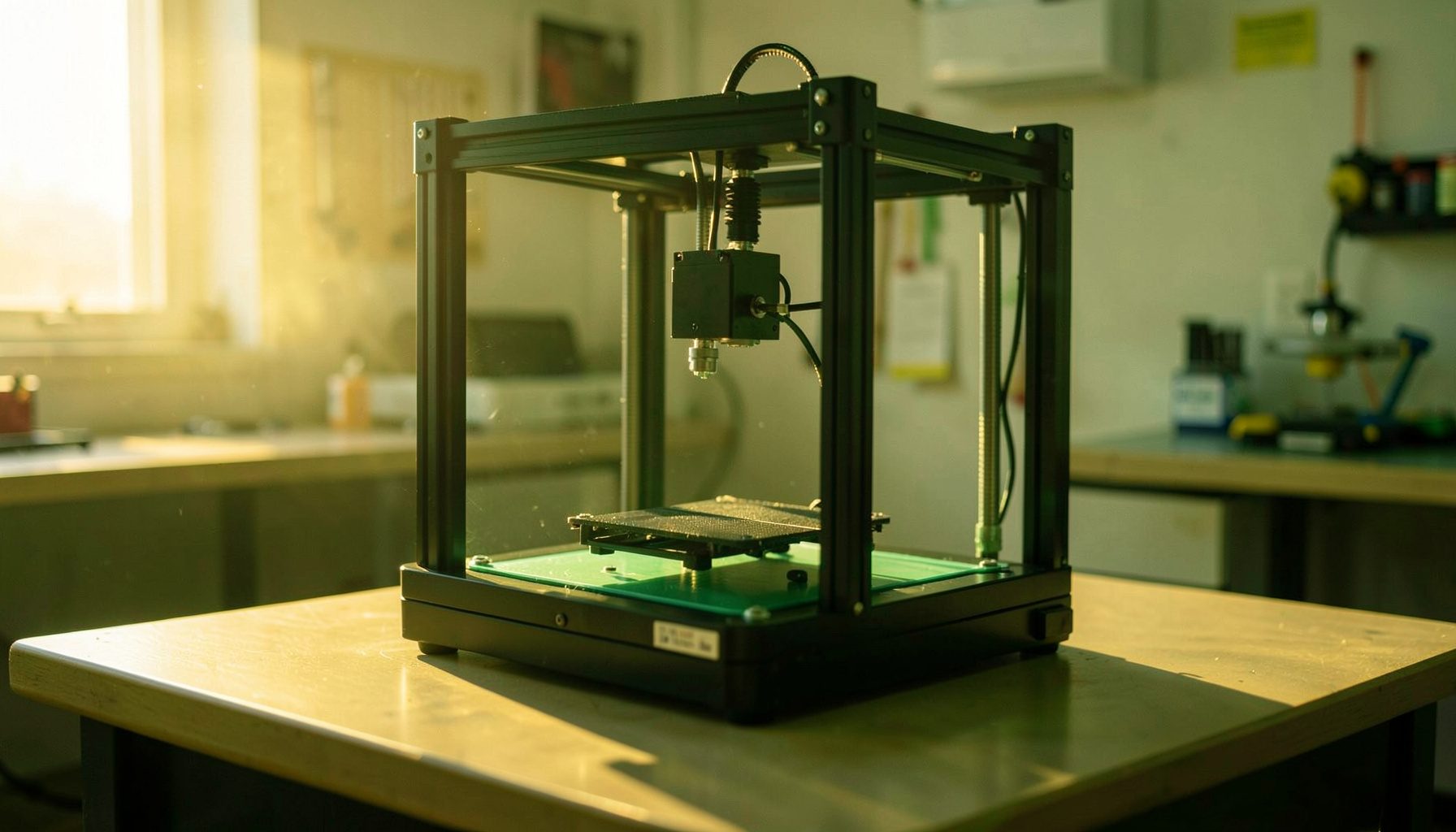
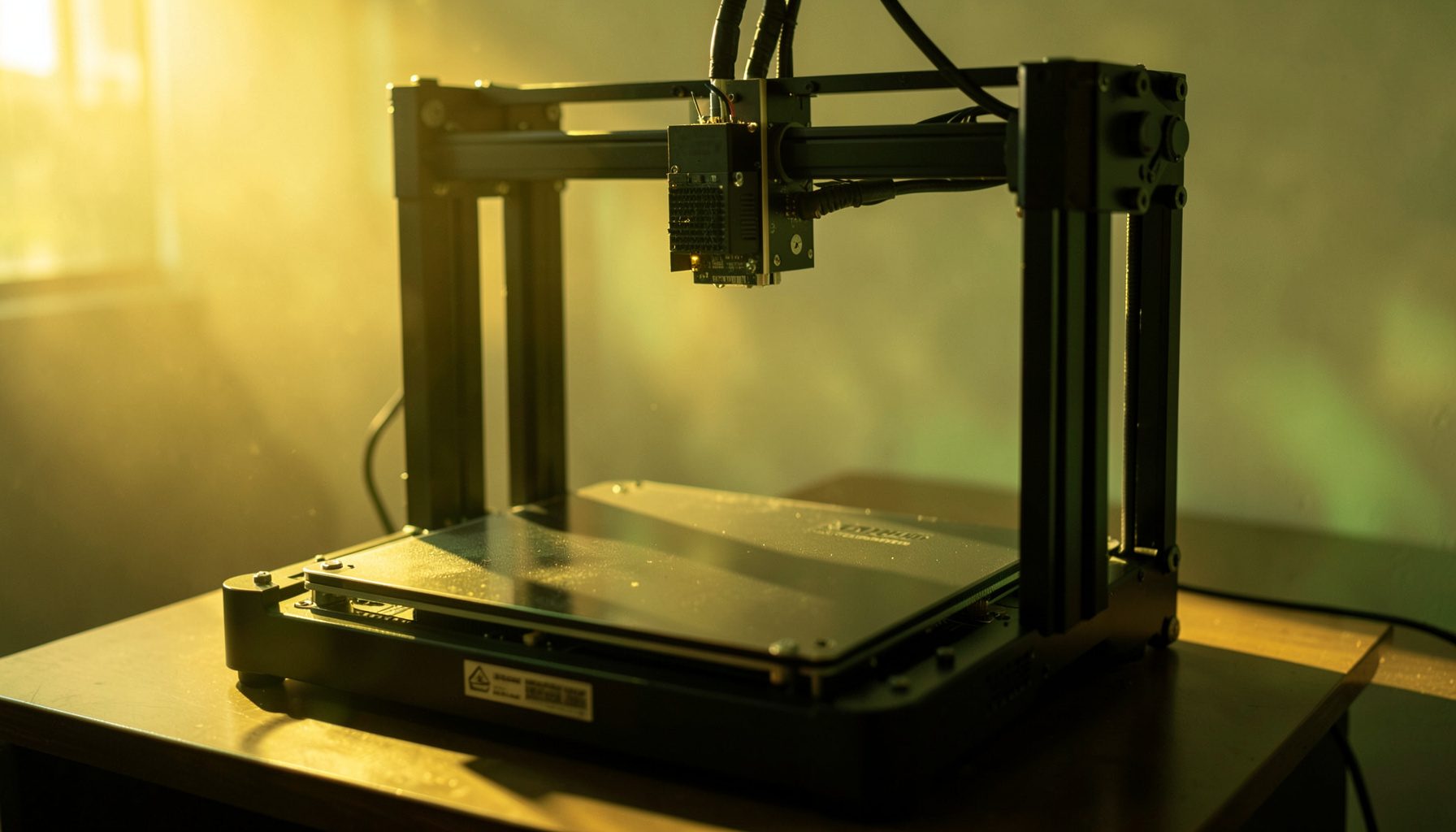
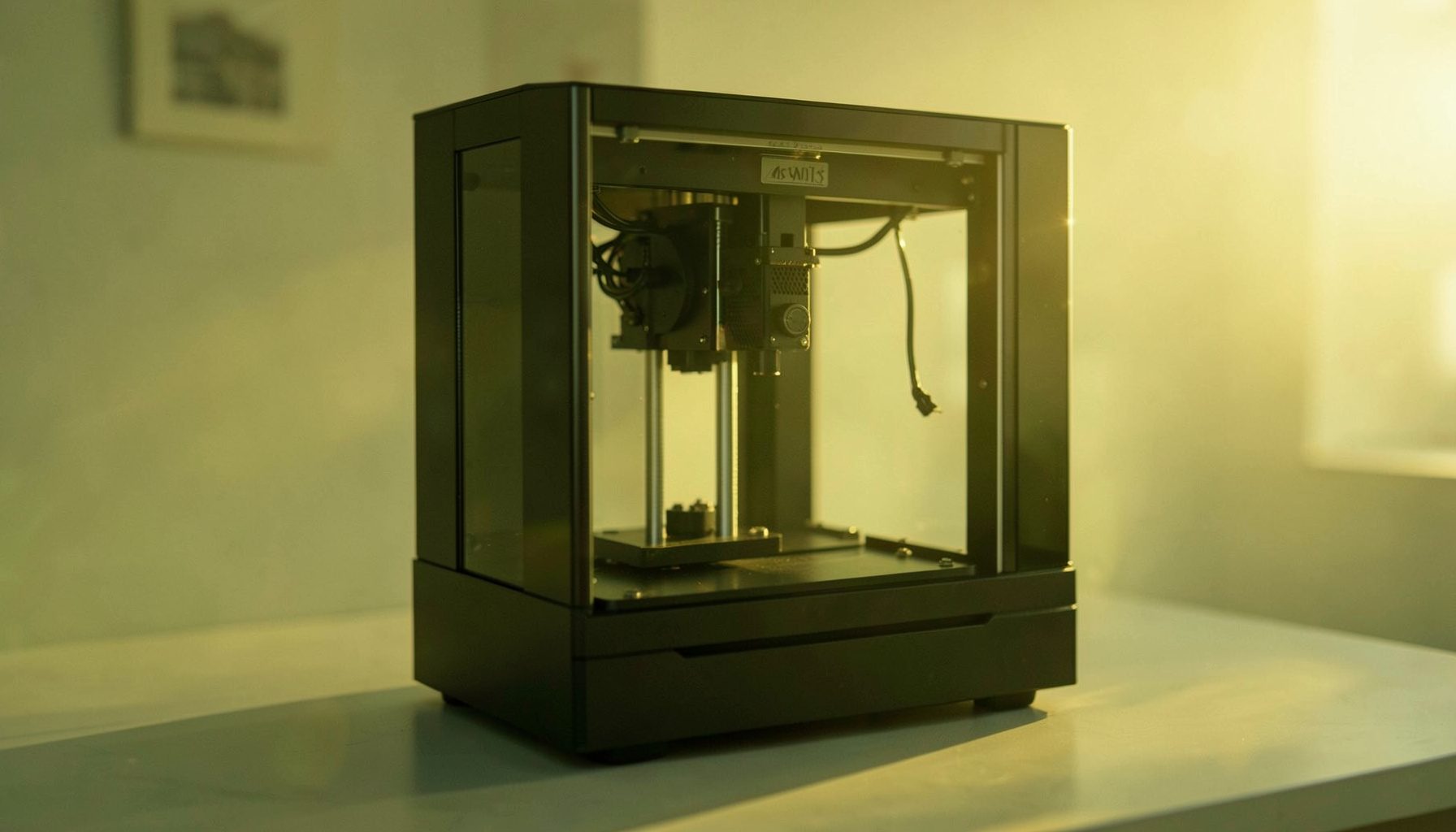
Yes. You can pause an object and change filament using the touch screen.
An alternate way to change filament is to simply use scissors to cut off the existing filament above the extruder and use the normal load process to feed through the oldfilament and start your new spool. Repeat the load process until you see the new color coming from the nozzle.
Solution
1
:
The gap between nozzle and build plate is too big.
Solution
2
:
The build plate has not been leveled yet.
Solution
3
:
Kapton tape has not been sticked on the build plate yet; or the non-sticky top layer of the Kapton tape is not removed.
Solution
4
:
The first layer’s height is too small, recommended setting as ≥0.2
The filament has not entered into the end of the nozzle yet when you feed the filament.
There are loads ofmaterials available, but when it comes to polymeres (like plastic), two typesof filament are most popular; PLA and ABS plastic. But what are thedifferences? Which one is best? To answer these questions, first let me tellyou a bit more about them.
PLA isa bio-degradable type of plastic that is manufactured out of plant-basedresources such as corn starch or sugar cane. This is why it is called‘the green plastic’. Be sure to throw it in a filament recycler and you’re as green ascan be. It’s widely used for packaging, such as food products, but of courseyou can also use it to print!
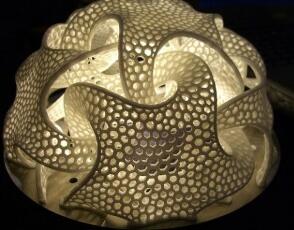
3dprinted out of ABS plastic
ABS plastic is made out of oil-based resources and it has a much higher melting point thanPLA plastic. It’s also stronger and harder. Because of these particularfeatures, ABS is widely used for purposes ranging from car bumpers andmotorcycle helmets to musical instruments, golfclubs and Lego.
So, which isbetter?
|
Pros |
Cons |
|
+ Can be printed on a cold surface |
– Can deform because of heat (like a cassette in a car) |
|
+ More environmental-friendly |
– Less sturdy (than ABS) |
|
+ Shinier and smoother appearance |
|
|
+ Smells sweet when being print =) |
|
|
+ No harmful fumes during printing |
|
|
+ Higher 3d printer speed |
|
|
+ More detail |
|
Pros |
Cons |
|
+ Very sturdy and hard |
– Made out of oil, so more damaging to the environment |
|
+ Suitable for machine or car parts |
– Deformes when not being print on a heated surface |
|
+ Higher melting point |
– Hot plastic fumes when printing |
|
+ Longer lifespan |
– Therefore, you need ventilation |
|
– More difficult to print |
|
|
– Not suitable for using with food |
A company that’smaking parts for machines will be better off when choosing ABS, because of itslifespan, its strength and its higher melting point. On the other hand, anartist who is making 3d models at home, will be better off choosing PLA becauseof its ease-of use, its appearance and because you don’t need ventilation.
But, as you mighthave noticed, there are a few drawbacks to using either of the plastics. Forinstance, let’s say you want to print some new cups and dishes at home. Ifyou use PLA, you can’t put it in the dishwasher since it would deformthrough the heat. ABS is not an option either, since it’s oil-based andtherefore cannot be used for holding food or beverages.
If your printerdoes not home smoothly, the wire bundle may be getting pinched between thegantry and the build platform resulting in y belt slippage. Try repositioningthe wire bundle to prevent it from getting pinched and homing should gosmoothly.
The purpose of parameters interaction is to leave enough time for the filament heating and cooling. Normally, if the layer
thickness goes up, please reduce the printing speed and turn up the printing temperature properly (If the printing speed
is over 60, turn up by 5℃ ; if over 90, turn up by 10℃); Conversely, if the layer thickness goes down, please increase the
Solution:
The height of the idle nozzle is too low, turn it up.
Please move the build platform to the top of Z axis, adjust the height of two nozzles according to the gap between the print head and the platform, tighten the idle nozzle by wrench and make it a little bit higher than the other one.
Temperature is too high; Or the filament is carbonized or liquefied (PLA will get liquefied if over-high temperature, ABS
Please keep the build plate heated continuously; Change a new tape; Slow down the printing speed of first layer; Use
the enclosure plate to keep the constant temperature while printing; Avoid air condition’s blowing directly; Inside
ventilation should not be so strong.
Please ensure the extruder wire tube (tube with black mesh housing) moves freely and is located away from the build platform and guide rails. If caught on the build platform, the extruder will not return to home position and a loud noise may occur. In the event that extruder wire tube is caught on the build platform, power off the unit and reposition the wire tube above the build platform to allow it to travel freely.
The extruder may jam during a print. The plastic filament will then erode on the hot bed bolt. This can be due to plastic filament quality issues, layer height and Z-axis zeroing issues.
· Always use a quality plastic filament. Air pockets within the filament, excessive variations in filament diameter and humidity absorption can affect the amount of filament entering the melting chamber and ultimately change the rate of plastic filament extruded.
· Eliminate layer height issues by ensuring that the layer height is set at 80% of your nozzle diameter or less. You can strip the plastic filament by forcing the extruder to attempt to extrude faster through the hot end than it's able. As you get comfortable with changing your slicing settings, you'll be able to print lower layer heights at faster speeds.
· You can cause hot end extrusion issues by having an excessively low initial Z-axis height when homing. It is more common to run into this when printing with smaller layer heights. You can use a thin slip of paper to zero in your Z-axis homing. Adjust your Z-axis end stop so that the paper no longer slides under the hot end nozzle. The first layer should have a visible extrusion with regular width and consistency. If the extrusion path is clear or light, raise the end stop adjustment slightly until the deposited plastic is visible and regular.
JGAURORA desktop 3D printers are designed to bring high-resolution 3D printing into homes and small workshops with ease. With a generous building size and precision engineering, these printers allow users to create detailed, intricate models right from their desktop. The focus on accuracy and safe operation makes them suitable for beginners and experienced makers alike. Whether you are printing functional prototypes or artistic pieces, the consistent layer quality and reliable extrusion help bring your digital designs to life. The large build volume opens up possibilities for bigger projects without sacrificing the fine detail that makes 3D printing so rewarding.
Filament versatility is a key feature of the JGAURORA printing experience. Users can experiment with multiple colors and material types within a single print by pausing the process and swapping filaments through the touch screen interface. This capability allows for creative multi-color objects and functional prints that require different material properties in different sections. For those who encounter difficulty unloading filament, a simple alternative involves cutting the filament above the extruder and feeding the new spool through the standard load cycle until the new color emerges from the nozzle, making material changes straightforward and accessible.
Achieving proper first-layer adhesion is essential for successful 3D printing, and JGAURORA printers are built to help users get reliable results. If filament does not stick to the build plate, checking the gap between the nozzle and the plate is a good first step. Adjusting the bed leveling and ensuring the surface is clean can make a significant difference in adhesion quality. Using the right temperature settings for both the nozzle and the heated bed also contributes to a strong foundation for your print. With a little attention to these details, users can minimize failed prints and enjoy a smoother printing process from start to finish.
The JGAURORA brand is rooted in a mission to make 3D printing technology accessible to people at all skill levels. Founded by a team dedicated to innovation and quality, the company continues to develop printers and accessories that fit a variety of needs, from hobbyist projects to educational use. With ISO certification and a commitment to customer satisfaction, JGAURORA strives to offer affordable products without compromising on performance. The company's presence in markets around the world reflects its dedication to serving a growing community of makers who value precision, reliability, and creative freedom in their 3D printing journey.
Support and resources are an important part of the JGAURORA experience, helping users get the most out of their desktop 3D printer. From downloadable guides to responsive customer service, the company provides assistance for troubleshooting common issues like filament jams, bed leveling, and print quality concerns. The online store offers a range of high-quality filaments and accessories that complement the printers, ensuring users have access to the materials they need for consistent results. Whether you are a first-time user or an experienced enthusiast, having reliable support makes exploring the possibilities of 3D printing more enjoyable and productive.