Downloads
Resources & Downloads
STL samples, user manuals and firmware for JGAURORA desktop 3D printers, gathered in one place.
Printing models
STL samples
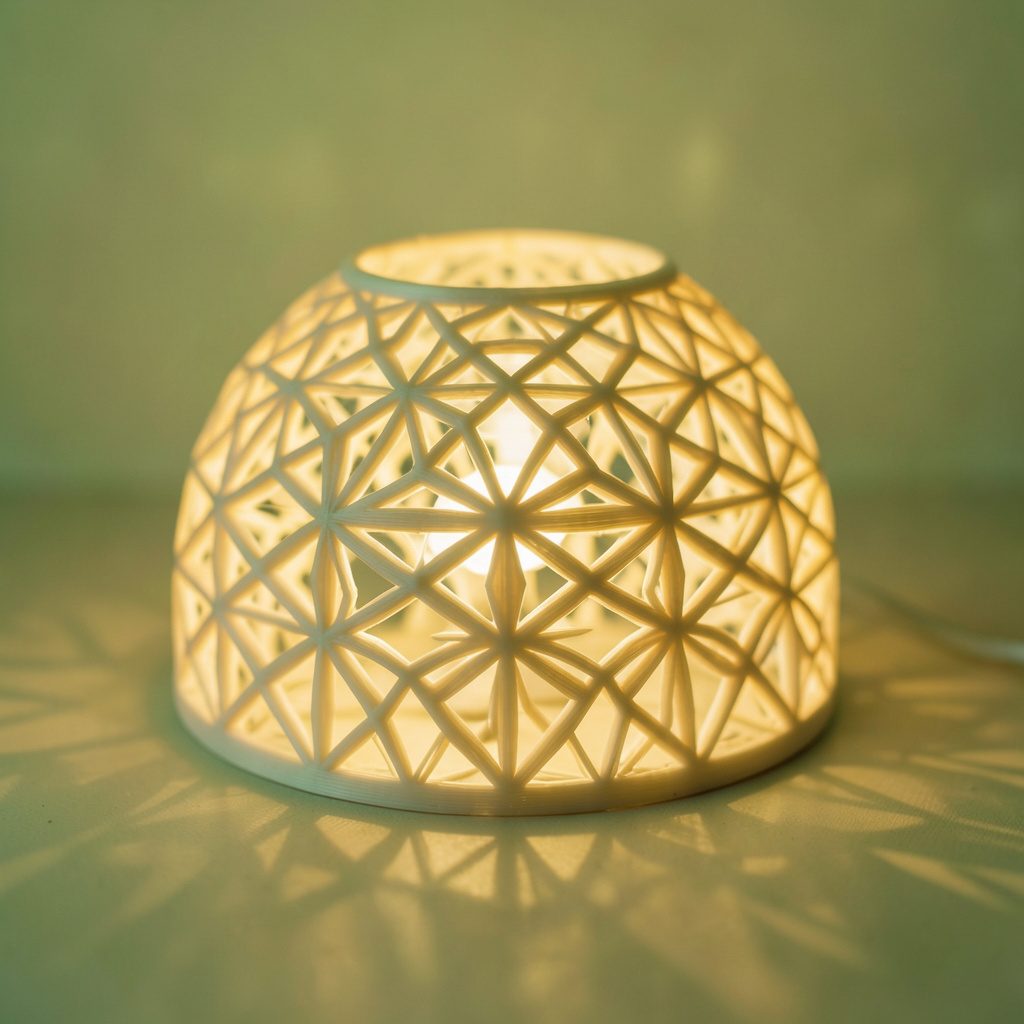
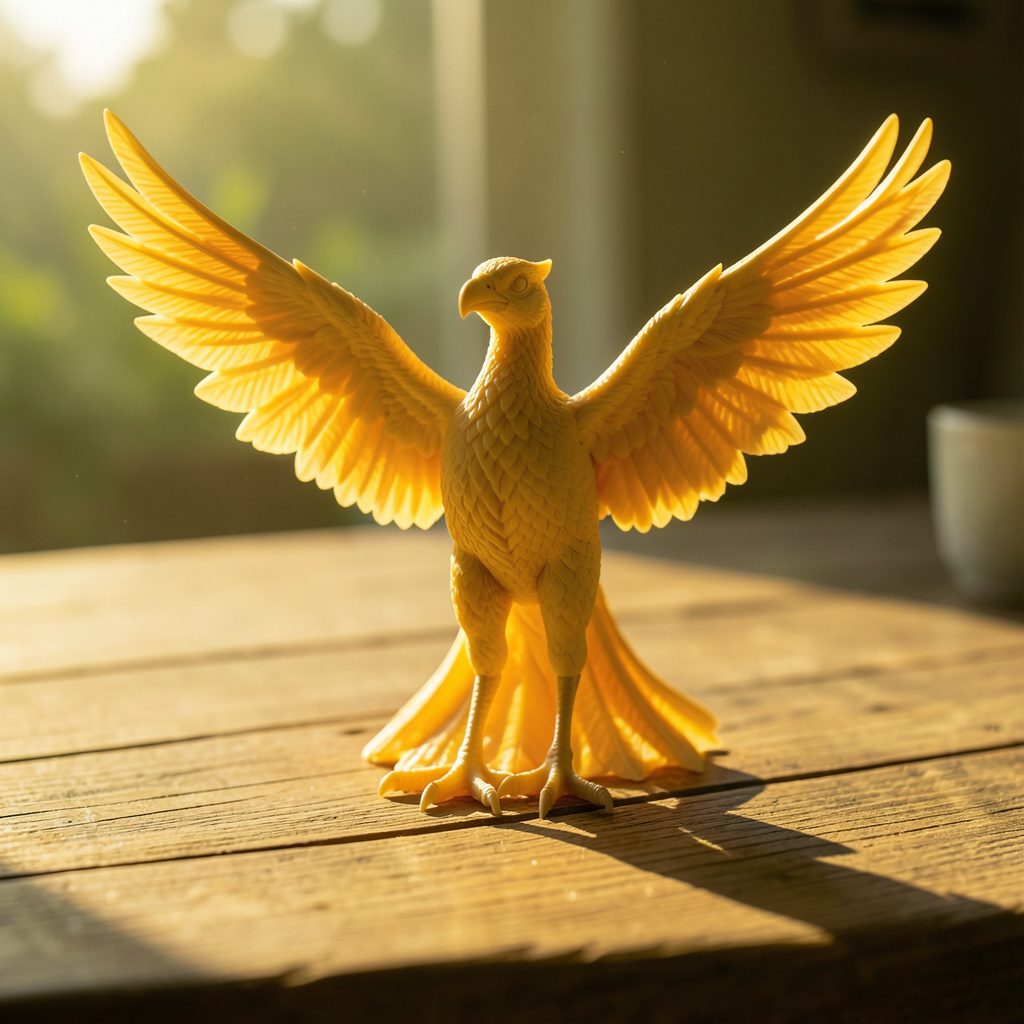
Sample STL files give you ready-made models to print and inspect on your machine. The collection includes a lampshade, a Phoenix and Pokemon models.
- Lampshade — a decorative shade with a patterned surface.
- Phoenix — a figurine with spread wings.
- Pokemon models — character figures for practice prints.
Printing a sample is a straightforward way to check detail, surface finish and how your settings behave on a familiar shape.
The JGAURORA download center provides users with essential resources to get the most from their desktop 3D printing experience. From sample STL files that showcase print quality and detail to user manuals and firmware updates, everything is gathered in one convenient location. Sample models like decorative lampshades, detailed phoenix figurines, and character figures allow users to test resolution, surface finish, and settings on familiar shapes before moving on to custom projects. Whether you are a beginner exploring layer accuracy or an experienced maker fine-tuning extrusion, these resources support every stage of your printing journey. JGAURORA is committed to making high-quality 3D printing technology accessible, with downloadable tools that help users achieve meticulous, exquisite results right from their own desktop.
Documentation
User manuals and firmware
User manuals
Manuals cover assembly, setup and everyday operation for JGAURORA printers, including the A9, A8S and A5S models.
Keep the manual for your model at hand when adjusting hardware or checking a procedure.
Firmware
Firmware files are provided for JGAURORA devices so you can keep your printer's control software up to date.
Match the file to your exact model before installing, and follow the manual's instructions for the update.
Before you print
Matching files to your printer
JGAURORA's product lineup includes the JGMAKER Magic DIY High Precision 3D Printer, the A9, the A8S and the A5S. Manuals and firmware are organised by model, so check the name on your machine first.
For specifications and model details, see the Product Center. For general questions about a download, the Contact page lists the ways to reach the team.
Sample models, manuals and firmware are provided as resources for owners of JGAURORA printers.